
Digital signage for gyms, fitness clubs and yoga studios
Your schedule, promotions and events always on screen.
Members want to know which classes are on today and what is coming up. With digital signage in your gym, fitness club or yoga studio you show the right schedule every day and put your promotions and events in the spotlight automatically.

Classes today
Utrecht
 12°
How to use digital signage
Class schedule by day
Create a schedule for each weekday and let the screen show the right one automatically.
Portrait screens at the entrance
A portrait screen next to the reception desk shows today's schedule in large type. You choose landscape or portrait per screen.
Events with a countdown
Build anticipation for a challenge, open day or new programme.
Guidance at the equipment
Short workout videos or a QR code to instructions, on the screen in the training area.
Sports news in a ticker
Current sports headlines at the bottom of the screen while your own content keeps running.
Member acquisition
Promotions and a QR code to your sign-up page turn every visitor into a potential member.
Example slides
This is how it can look. Use your own photos or choose from the stock library, and change text and prices whenever you like.
-
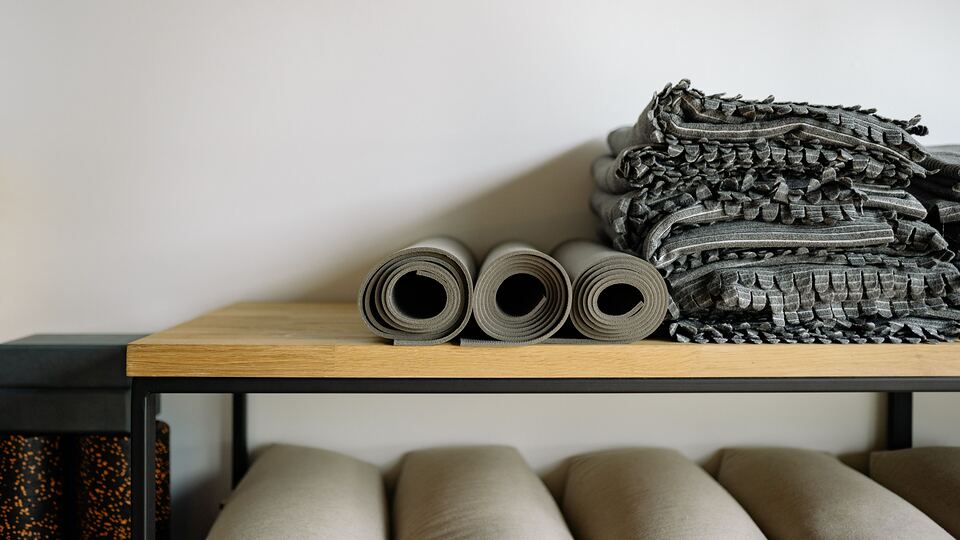
New on the timetable
Yin yoga on Sunday mornings.
A calm start to the week, for every level.
New on the timetable
Announce a new class with your own photo and the time.
-
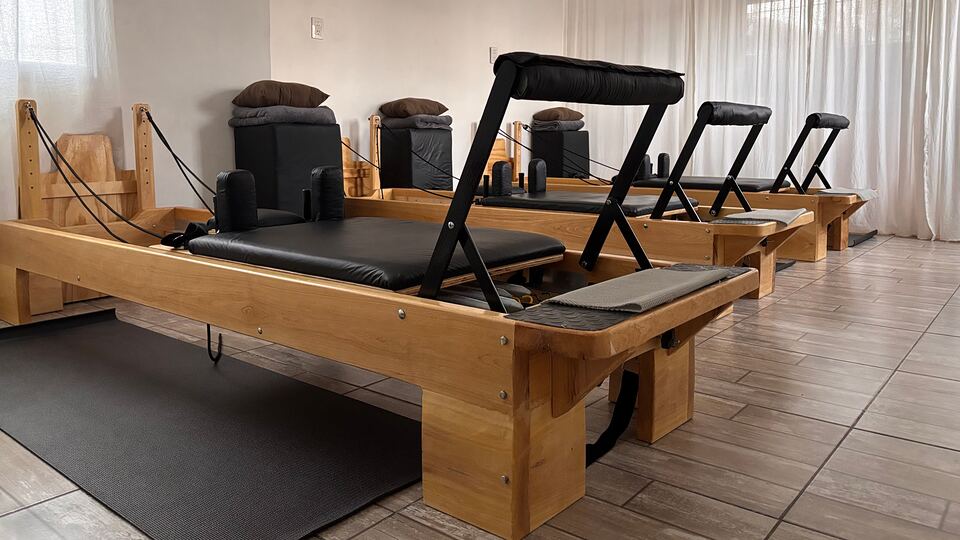
Book a trial class?
Scan the code and pick a class that suits you.
Book a trial class
A QR code to your sign-up page, for visitors and guests.
-
Sports news
Current headlines from a news source of your choice, updating by themselves.
Channel template included
Fitness and sport
Class timetable with photo, countdown to an event, sports news and the clock. You choose the template when you create a channel and only add your own details.
Frequently asked questions
- Can we show a different schedule every day?
- Yes. Create one slide per day and set the day on which it is visible.
- Can we show workout videos?
- Yes, as your own mp4 or via a YouTube or Vimeo link.
- Does it work on several screens at once?
- Yes. One channel includes 5 screens, for €8.95 per month. If a screen needs to show something else, you add a channel for €2.50 per month.
- Can we show the schedule in portrait?
- Yes. You rotate the image 90 or 270 degrees per screen, so the schedule fits a portrait screen next to the reception desk.
- How quickly does a schedule change appear on screen?
- Within a minute. If a class is cancelled, you update the schedule on your phone and members see it straight away.
You will find more answers in the help centre, for example about connecting a screen and scheduling slides.
Digital signage for other sectors



Get your first screen live today.
Free for 14 days with every feature, no payment details needed. First channel €8.95 per month, including 5 screens. Each additional channel and every further 5 screens €2.50. Excluding VAT.