
Digital signage for hairdressers and beauty salons
Turn waiting time in your salon into a sales moment.
A treatment easily takes half an hour or more, and all that time your clients are looking at the mirror and the wall. With digital signage in your hair salon, barbershop or beauty salon you turn that attention into repeat visits and extra revenue, with your treatments, your product range and a direct link to your online booking.
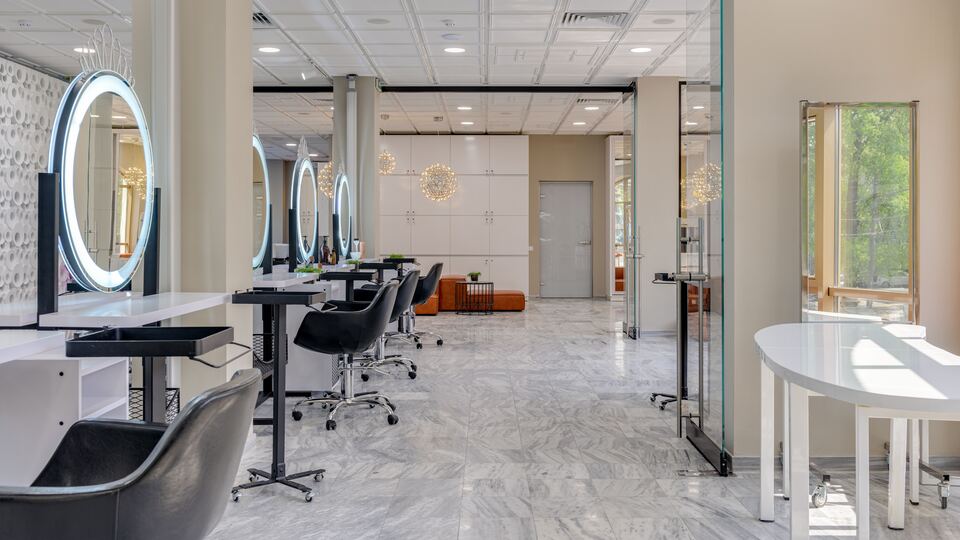
Treatments
Including wash and blow-dry
Book your next appointment before you leave.
Scan the code and choose a time yourself.
Utrecht
 12°
How to use digital signage
A price list that is always right
Change a rate in the dashboard and it appears on every screen within a minute. No more printed lists with crossed-out prices at the till.
Book the next appointment on the spot
A QR code to your booking system makes it easy to schedule a follow-up before the client has left.
Treatments and products on display
Show results, new colour techniques and your care products with your own photos or videos. Your clients see what is possible, even when there is no time to explain it.
Hair, nails and beauty under one roof
If you offer several disciplines, give each screen its own channel: the hair price list by the chairs, the nail bar by the manicure table.
Seasonal promotions planned ahead
Prepare a summer offer or gift vouchers for the holidays with a start and end date. On the end date the slide disappears from the screen by itself.
A polished welcome
Clock, weather and opening hours in your own colours give your waiting area a professional look, even while you are busy with a client.
Example slides
This is how it can look. Use your own photos or choose from the stock library, and change text and prices whenever you like.
-
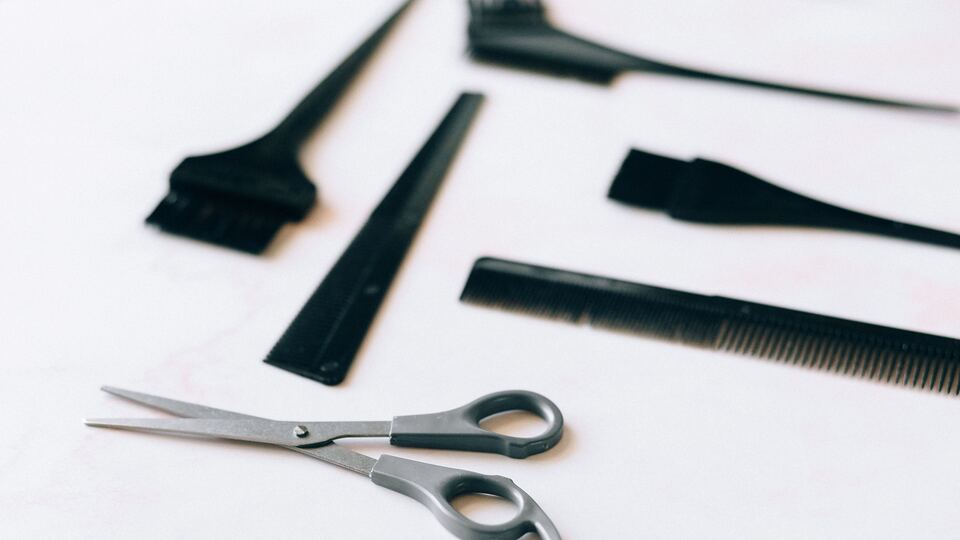
New in the salon
Balayage with a natural finish.
Ask your stylist what is possible.
A new technique on display
A photo with a short line about a treatment you want to grow, such as balayage.
-
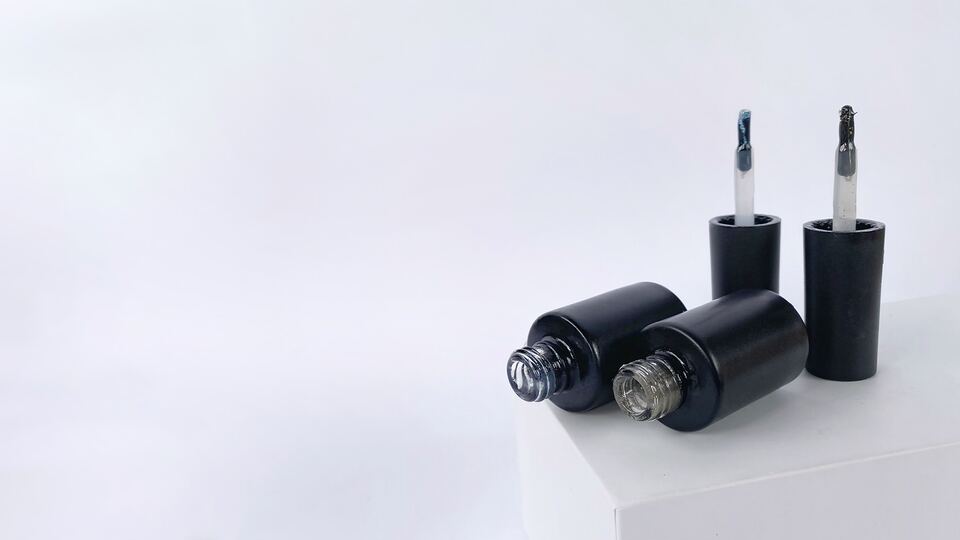
Nail bar
Gel polish in every colour.
Walk-ins welcome on Saturdays.
A slide per discipline
The nail bar gets its own slide, with the days clients can walk in without an appointment.
-
Opening hours
The widget shows by itself whether you are open now, and until when.
Channel template included
Hair salon and beauty
Treatments with prices, online booking via QR, the weather and your opening hours. You choose the template when you create a channel and only add your own details.
Frequently asked questions
- Can we manage treatments and prices ourselves?
- Yes. A price list is a text slide you edit from any phone or computer. Lines with two spaces between description and price are displayed as a neat list automatically.
- Does it work with the TV already in our salon?
- Almost always. Any smart TV with a web browser will do. If yours lacks a usable browser, connect a computer or mini PC. Apps for streaming sticks are coming soon.
- Can we show videos?
- Yes. Upload your own videos as mp4 or add a YouTube or Vimeo link. Videos play to the end, then the channel moves on automatically.
- Can the QR code link to our own booking system?
- Yes. Paste the link to your online diary or booking page and Skrano turns it into a QR code. Clients scan it with their phone.
- What does it cost for a salon with two screens?
- If both screens show the same content, you need one channel: €8.95 per month excluding VAT, with 5 screens included. If the second screen needs to show something else, a second channel adds €2.50 per month.
You will find more answers in the help centre, for example about connecting a screen and scheduling slides.
Digital signage for other sectors


Get your first screen live today.
Free for 14 days with every feature, no payment details needed. First channel €8.95 per month, including 5 screens. Each additional channel and every further 5 screens €2.50. Excluding VAT.